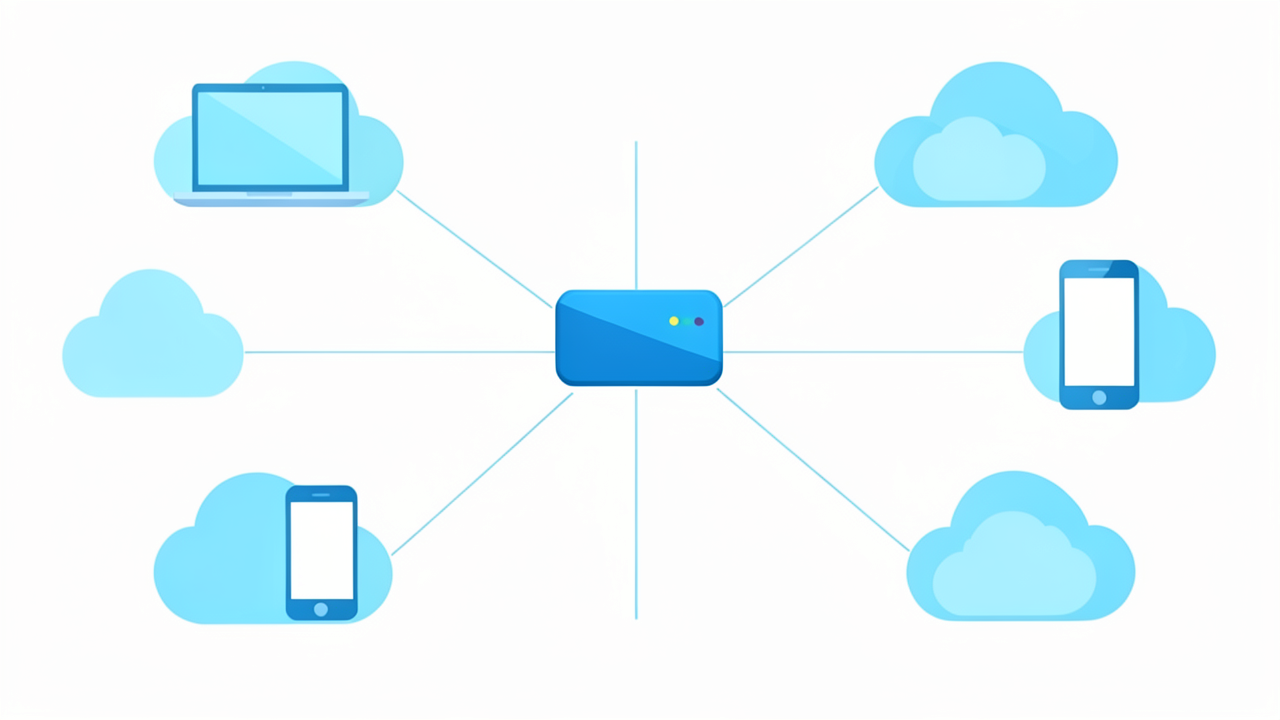
A website usually sees the public address used by your connection to reach it. Your computer's network settings can show a private address used on your local network. Both can be correct at the same time.
01Choose the address that matches the task
Section linkFor a printer or another device on the same home network, you usually need the local address. For troubleshooting what a remote service sees, the connection's public address is more relevant. State which one you mean when asking for help, and avoid posting either address publicly unless the support process requires it.
02Recognize common private IPv4 ranges
Section linkThe reserved private ranges are 10.0.0.0–10.255.255.255, 172.16.0.0–172.31.255.255 and 192.168.0.0–192.168.255.255. A home router commonly gives devices addresses from one of these ranges. They are not globally unique internet addresses. A Windows network profile labelled Public or Private is a separate sharing setting, not this address classification.
03Understand why the numbers can differ
Section linkA router can translate traffic from local devices to an outward-facing address. An internet provider may add another sharing layer; 100.64.0.0–100.127.255.255 is shared address space, distinct from the private ranges above. A VPN or proxy can also change the address a website sees. Do not infer a connection fault simply because two displays disagree.
04Keep the limitations in view
Section linkDevices may have IPv4 and IPv6 addresses and several active interfaces. An IP address is not a reliable personal identity or an exact street location. Check the current connection when troubleshooting, since addresses can change. Do not change address settings or open router ports merely to make a lookup site's result match your computer.